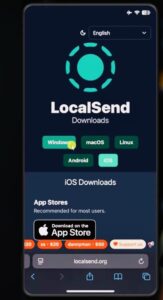
LocalSend APK latest version download dashboard screen showing local file transfer configurations on an Android smartphone screen.

How to Download LocalSend Apk Latest Version 2026 (ads free)

4.3 / 290 8 Mins Admin

November 5, 2026

10 Comments

How to Download LocalSend APK Latest Version (2026 Guide) Ads free

Let’s be honest, it is still a big headache to share heavy files, photos, and videos between Android phones, iPhones, and PC. Most such other apps have annoying pop-up ads which require fast internet and slow down your devices completely. If you are fed up with such tools, official LocalSend APK is exactly what you need. The platform is trending and incredibly increasing downloads daily in the USA because it transfers files instantly over your local Wi-Fi network without using any internet data.
Downloading this best setup onto your phone will be an excellent choice if you want a clean and ad-free experience.
LocalSend APK latest version download dashboard screen showing local file transfer configurations on an Android smartphone screen.

What Makes LocalSend APK So Reliable?
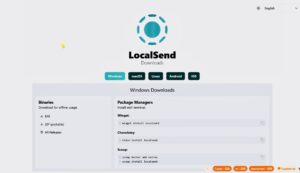
The platform is very reliable because it has a simple and clean interface and is going viral among all mobile users in the USA and other parts of the world. The platform software works fully offline, whereas other types of apps require you to create an account, log in with an email, and share other information. It also protects your data privacy and is only limited to your local or office network suite.
LocalSend APK latest version download dashboard screen showing local file transfer configurations on an Android smartphone screen.
The dashboard is so sharp and automatically detects other mobiles that have LocalSend open on their device. You only need to rename your profile for the sake of your convenience. If you want to hunt for other games and apps, or you want to play the latest casino slots apk download entries and want to download the official link, then explore our website. The development team is highly professional and active, regularly updating the system to keep the background frame rates high and connections error-free.

Key Features of LocalSend APK

Instead of reading a boring list of features, here is a simple look at the functional layout you unlock immediately after installation:
LocalSend APK latest version download dashboard screen showing local file transfer configurations on an Android smartphone screen.

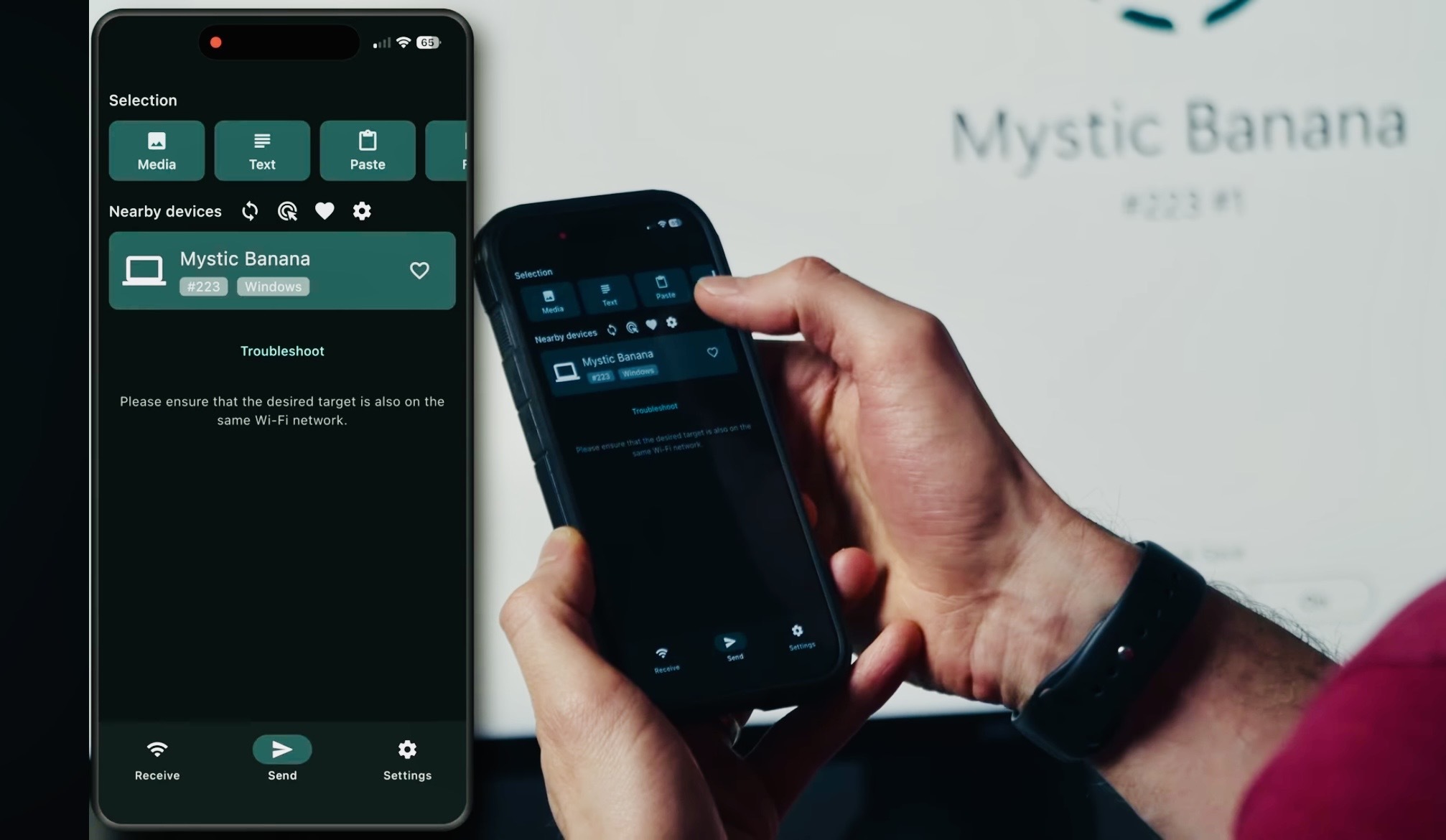
The Send Hub:

LocalSend APK has clean and straightforward sections. You can select photos, media files, text strings, and entire app directories to share with just a single tap.

The Device Discovery Grid:

This platform has an active scanning area to locate active smartphones. It displays all active smartphones, tablets, and computers which are connected to your local network system framework.

The System Settings Menu:

It features a dedicated utility station. You can change your local downloads directory, toggle automatic file acceptance, and customize interface themes to your preference.

LocalSend APK latest version download dashboard screen showing local file transfer configurations on an Android smartphone screen.

Security and Connectivity Advantages of LocalSend APK

The application utilizes a highly balanced framework to make sure that local sharing remains completely secure and fair for the entire community. Active users can take advantage of three main operational perks:

Full End-to-End Encryption:

The system of this APK is fully protected. Every single file you transfer over the network is safe and secure. No third-party server can monitor or intercept your personal data layers.

Zero Interface Advertisements:

LocalSend APK is completely ad-free. You don’t have to deal with annoying pop-up ads and banners because the platform is totally non-commercial.

Cross-Platform Harmony:

This application works as a bridge between different operating systems. It operates flawlessly across Android, iOS, Windows, macOS, and Linux setups.
LocalSend APK latest version download dashboard screen showing local file transfer configurations on an Android smartphone screen.

Step-by-Step Download and Installation Process

To set up this application onto your smartphone is very simple and easy. It takes only a few minutes to install on your device:
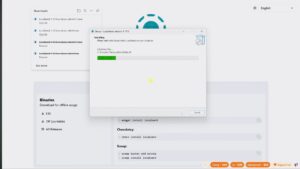
  1. First of all, click the verified official Download APK button on this post.
  2. Before installing the file, ensure your mobile settings are ready. Go to your mobile settings panel and allow the option of installation from “Unknown Sources” to give permission.
  3. After that, go to the downloads folder where the LocalSend APK file is downloaded. Spot the file and click the installation setup link.
  4. Within a few seconds, the installation will be completed and the app icon will appear on your device’s main screen.
Open the application, accept the local network permissions, and start sharing multimedia from one device to another by jumping into the Send Hub instantly! If you are interested in more apps and games, you can explore our website at apkbasha.com.

Conclusion

Finally, LocalSend APK is the best application to avoid slow and cloud-dependent file-sharing tools. It is very lightweight and has unique local network mechanics. It also has fluid graphics and casual mobile utility entertainment layouts. If you are ready to use the upgraded version of this app with a beautiful application that runs smoothly and transfers your files with safety and security, grabbing this official download will be an outstanding move.