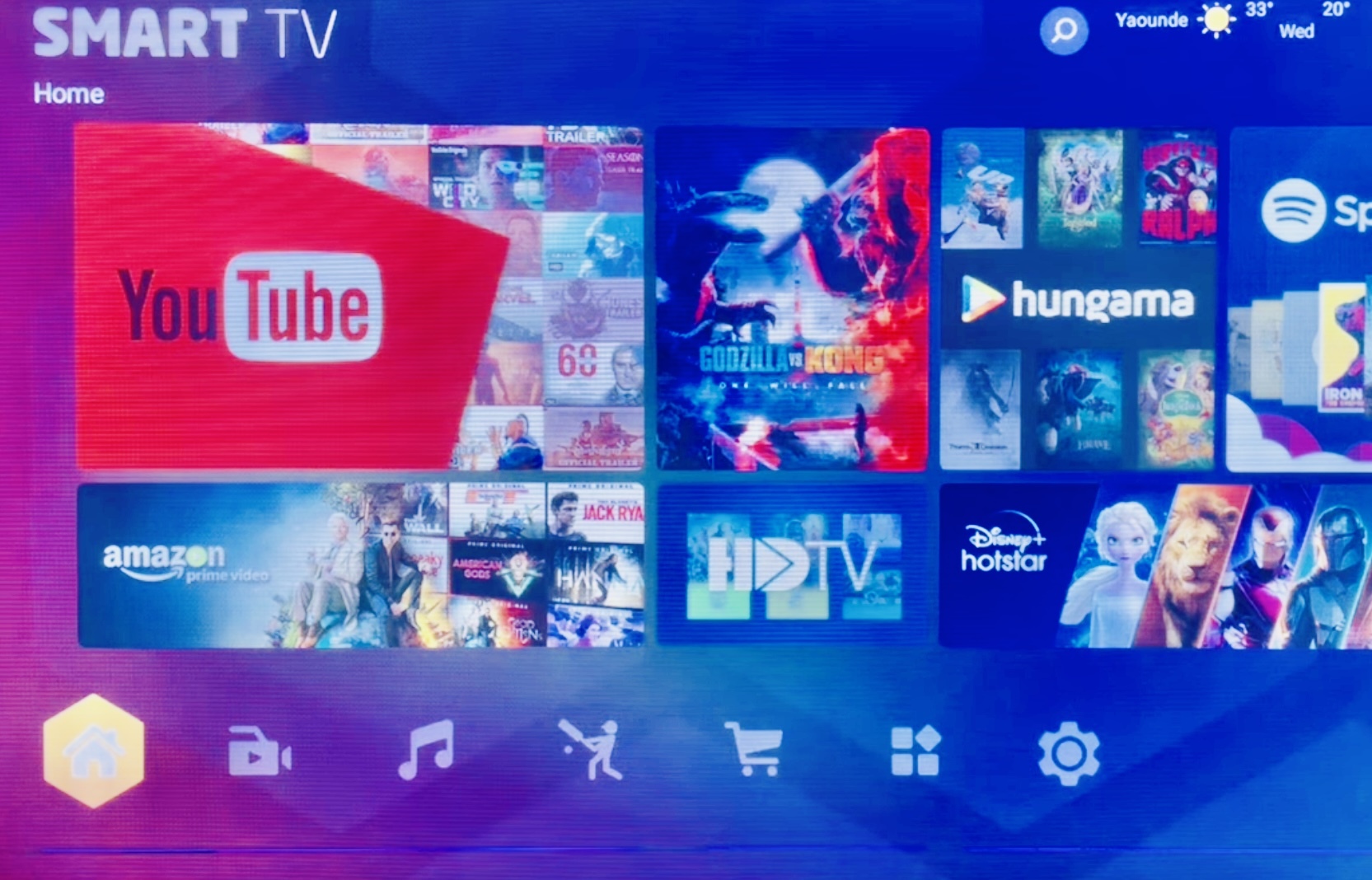
How to Download SmartTube Apk Latest Version 2026 Ads Free
How to Download SmartTube APK Latest Version (2026 Guide)
Key Features of SmartTube APK
1. The Ad-Blocking Engine:
The app blocks pre-roll and mid-roll ads automatically and filters the ads in the background. This allows your favourite clips to start instantly without a single interruption.
2. The SponsorBlock Integration:
The app is designed in such a way that you only watch the actual content. A smart community-driven database framework automatically filters and skips boring sponsorship messages, self-promotions, and long intro music inside videos.
3. The Resolution Controller:
The media playback is highly advanced. You can manually lock your video speed and resolution formats. You can change the quality of the video right up to ultra-sharp 4K and 8K layouts, even if the network is slow.
4. The UI Customization Hub:
The app manages your history preferences with a few simple clicks. A dedicated system inside the application lets you change the entire look, thumbnail grid, and toggle background playback modes.
The Performance Benefits of a Lightweight SmartTube APK
No Interrupted Playback:
The platform blocks ads at a system level, meaning you don’t need to deal with loud, unexpected commercial clips and long promotional videos.
True Hardware Acceleration:
The app has optimized software and is designed to distribute processing weight evenly across your device chip. It means your smart screen will stay cool during long movie sessions.
Seamless Remote Navigation:
If you want to set up an Android TV box or Firestick, the SmartTube APK menus are perfectly optimized for remote controls, making the entire navigation hassle-free.
Zero Background Resource Waste:
The app doesn’t run in the background and closes completely when you exit. It saves data tasks and also your internal mobile memory storage.
How to Download and Install SmartTube APK
- Download the file from this post by clicking the verified Download APK button. The link hosts the absolute latest updated version of SmartTube APK.
- After clicking, you must ensure from your mobile settings that you have enabled the option of installation from “Unknown Sources”. If you haven’t enabled it yet, go to your settings and turn this option on.
- Next, go to the downloads folder of your mobile and spot the APK file. Click the APK file and install the application. After a few seconds, the software will be successfully installed on your device.
- Open the app and enjoy watching your favourite channels and videos without annoying ads!
Conclusion
New Blog Posts
-
How to Download Poppy Playtime Chapter 4 APK Download for Android (2026 Guide)
-
How to Download R.E.P.O. Mobile APK Download for Android (2026 Latest Version)
-
How to Download Shizuku APK Download from here Latest Version (2026 Guide)
-
How to Download ReVanced Manager APK Latest Version (2026 Guide)
-
How to Download YouTube Music APK for Android (2026 Guide)
-
How to Download Seal Apk Latest Version 2026 Ads-Free
-
How to Download SmartTube Apk Latest Version 2026 Ads Free
-
How to Download Spotube APK free Latest Version 2026 (no ads)
-
How to Download LocalSend Apk Latest Version 2026 (ads free)
-
How to Download High 5 Casino Apk Later Version for Android 2026